Dashboard
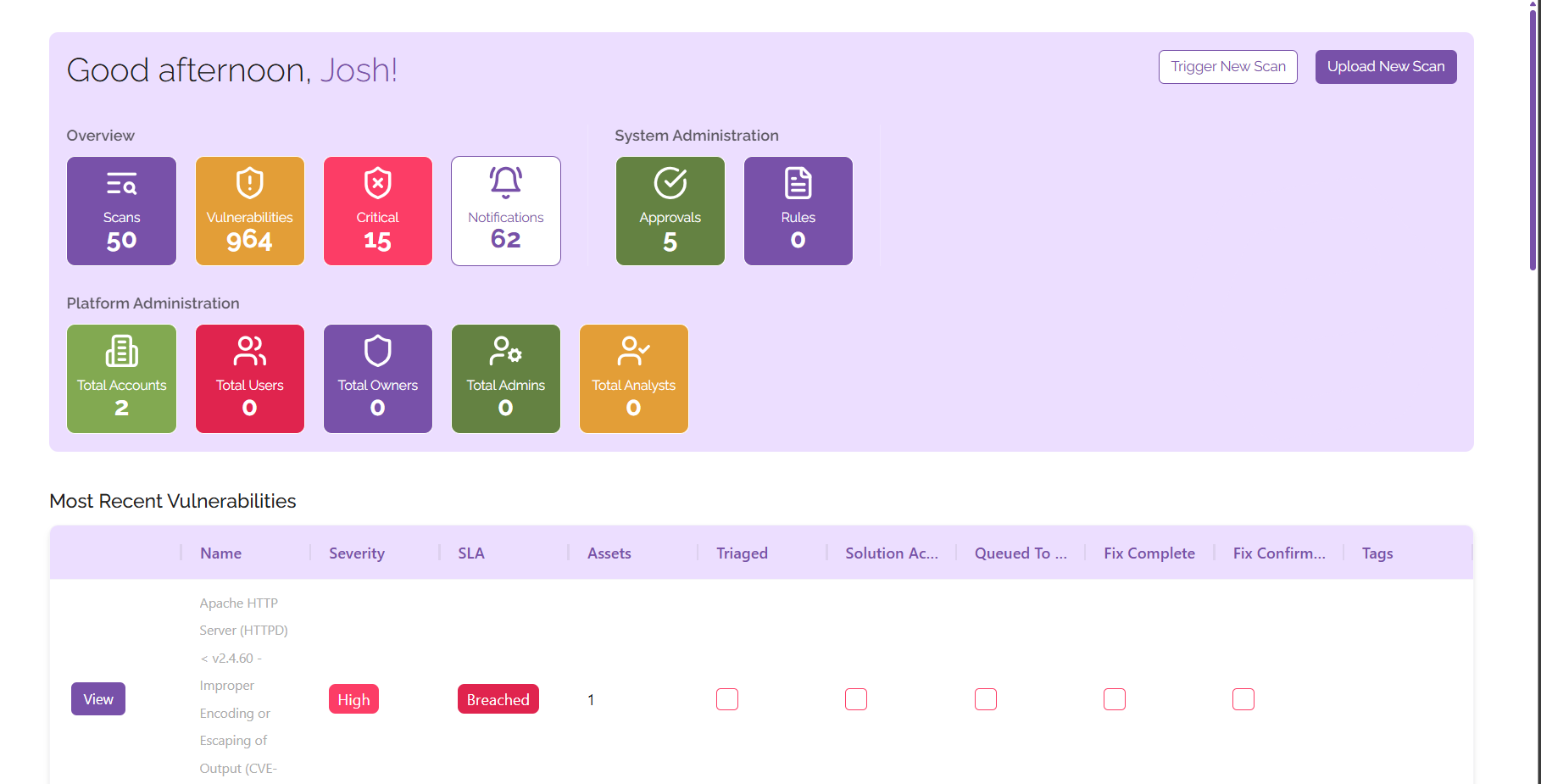
The dashboard allows you to view all of the critical information for your digital estate in one place, understand what you need to prioritise at a glance. From here you can find:
- Statistics
- See all of your vulnerabilities, scans, critical level vulnerabilities, and notifications
- See any administrative items that need to be actioned
- See information relevant to administering the platform, including user counts and a breakdown of users by type
- Vulnerabilities
- See all your most recent vulnerabilities in one place
- View the total number of vulnerabilities on your estate in the graph, you can change the view at any time to show vulnerabilities across the week or month-by-month
- Assets
- See all of your assets in one place
- Track the total number of vulnerabilities affecting each device so that you know what to prioritise
- Scans
- View the progress of your scans at a glance
- See which scans are running, which are complete, and judge which scans need attention
- Trigger and upload results from new scans from the dashboard